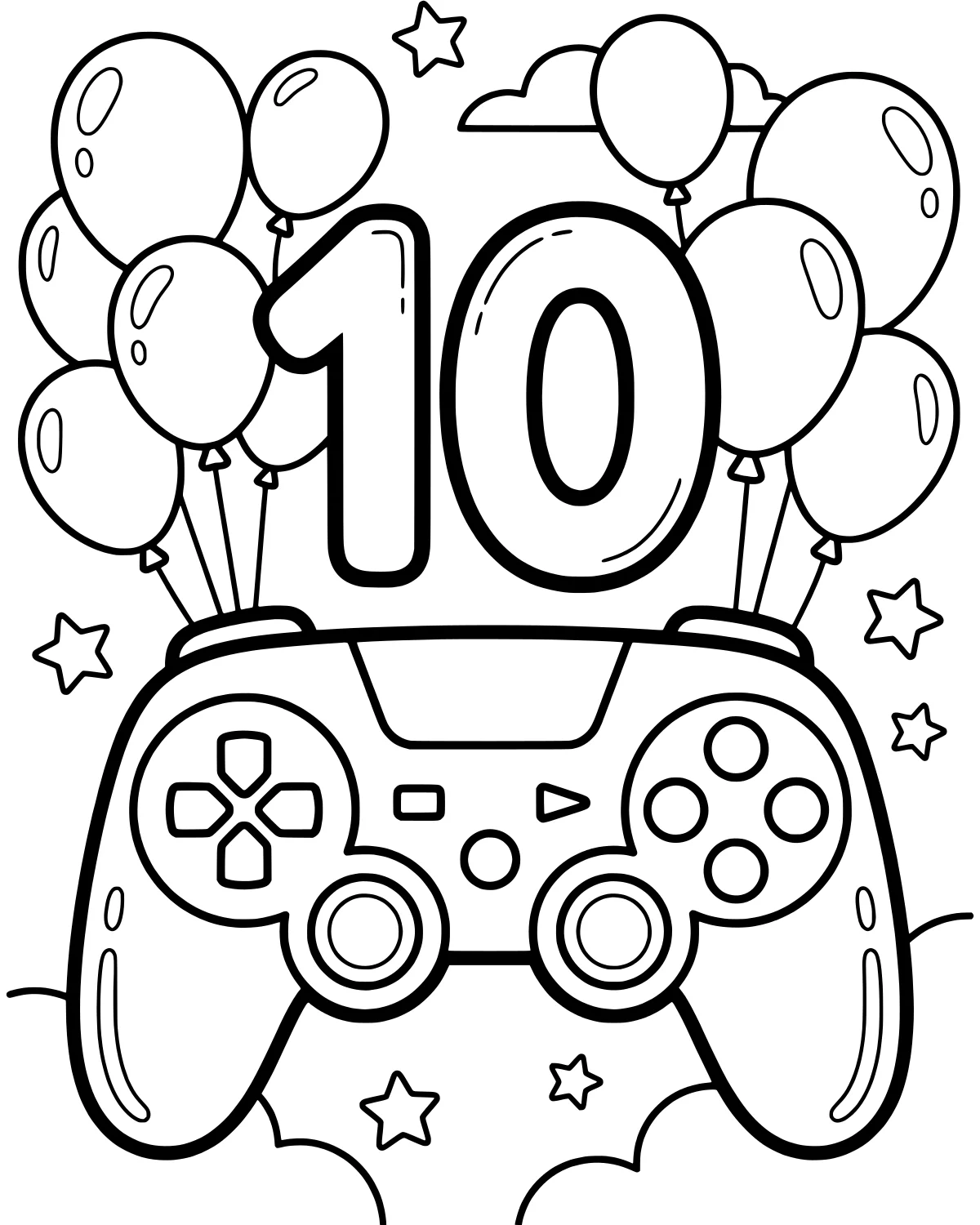
Reaching the big double digits is a huge milestone for any young gamer. This festive scene captures the excitement of turning ten years old with a cool video game controller at the center of the action. It is the perfect way to celebrate a special birthday while combining a love for gaming with a creative activity.
The artwork is filled with celebratory elements that make the page feel like a real party. From floating balloons to twinkling stars, there is plenty of space to add vibrant colors. This page helps kids focus on the fun of leveling up to a new age while enjoying a relaxing afternoon of coloring.
Color Palette Ideas
What's In This Picture
In the center of the page, a large video game controller takes center stage, complete with buttons and joysticks ready for action. Right behind it, a bold number 10 stands tall, representing a decade of fun and learning. The scene is surrounded by several balloons floating upward, adding to the festive atmosphere of a birthday celebration.
Looking closer, you will find small stars scattered throughout the background, making the whole image feel magical and bright. Soft clouds drift behind the main subjects, providing a sense of depth to the sky. Every element, from the roundness of the balloons to the sleek lines of the controller, offers a different shape to explore with your favorite markers or crayons.
Coloring Tips
Since this is a celebratory page, using bright and bold colors is a great way to make the image pop. You might choose a sleek metallic grey or a vibrant neon green for the video game controller to make it look like a high-tech gadget. For the number 10, using a pattern like stripes or polka dots in contrasting colors can make it stand out as the most important part of the birthday theme.
The balloons look wonderful when colored with gradients, starting dark at the bottom and getting lighter toward the top to show off a shiny reflection. You can use soft blues or purples for the clouds and bright yellow or gold for the stars. Using a fine-tip marker for the small buttons on the controller will help keep the lines crisp and clean.
Did You Know?
Did you know that the first video games were created all the way back in the 1950s? They were very simple and mostly played by scientists on large computers. Today, gaming is a huge part of how people celebrate and connect with friends. Turning ten is often called a decade, and it is the first time your age has two digits!
Try This!
After finishing the coloring, you can use this page as a custom birthday card or a decoration for a party. You might even try to draw your favorite game character standing next to the controller. Another fun idea is to write a list of your favorite games from the past year on the back of the page to remember them later.
Frequently Asked Questions
What colors work best for the controller?
Is this page good for a birthday party activity?
How can I make the stars look like they are glowing?
Popular Collections

Animal Coloring Pages
Animals bring a special kind of life to any art project. Whether you love the quiet of a deep forest...
Spring Coloring Pages
As the frost melts away and the first green shoots poke through the soil, we welcome the vibrant ene...
Cute Coloring Pages
Finding something charming and sweet to color is one of the quickest ways to brighten a rainy aftern...


Kawaii Coloring Pages
Kawaii is more than just a word for cute; it is a whole aesthetic that celebrates the joy in the sma...
You Might Also Like

Cozy Winter Village Snow Globe
Holidays & Celebrations
Halloween Jack-o-lantern Mushrooms and Bats
Holidays & Celebrations

Wise Owl Halloween Ghost
Holidays & Celebrations
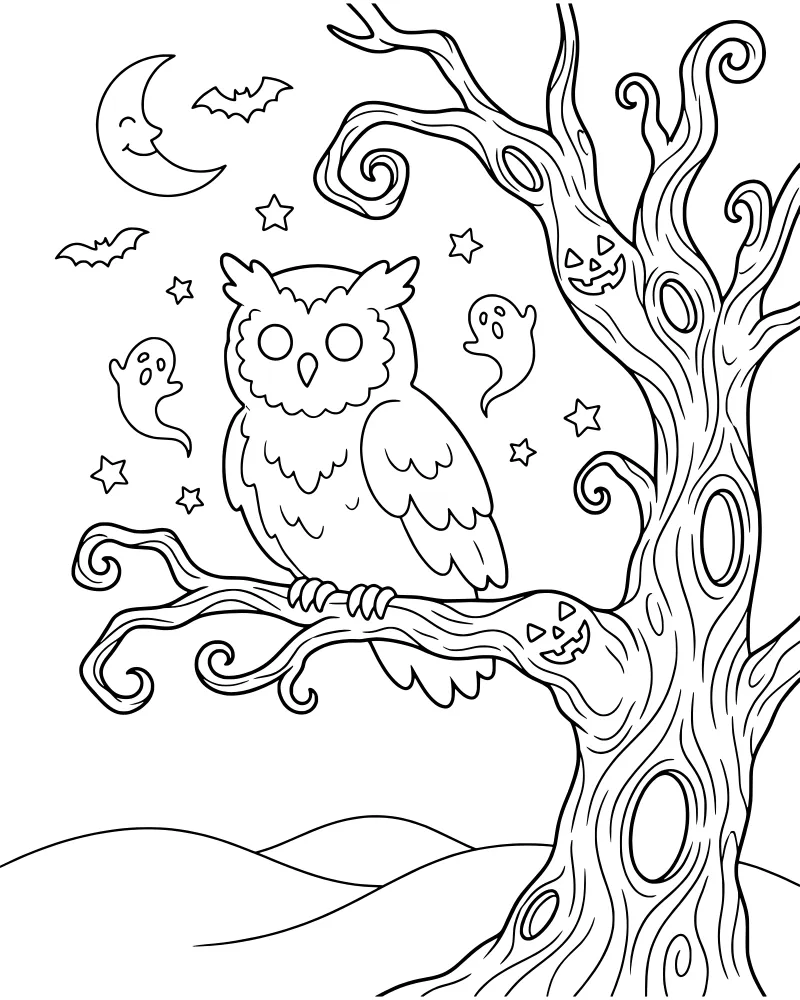
Spooky Halloween Owl in Gnarled Tree
Holidays & Celebrations
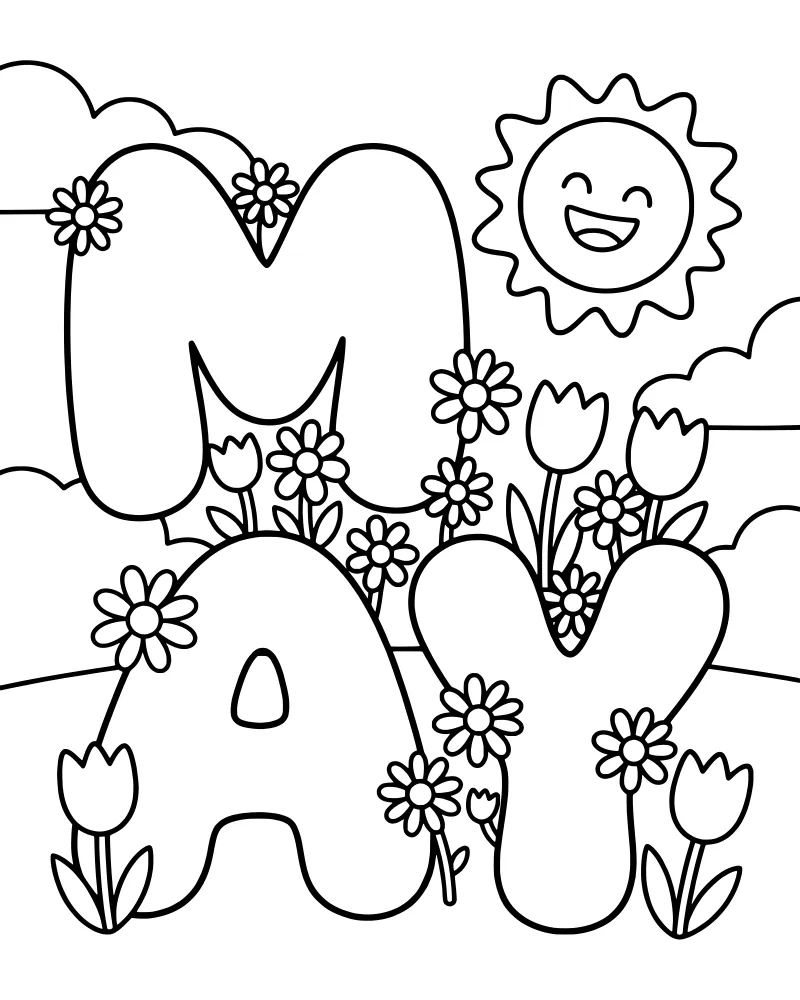
Cheerful May Spring Flowers and Sun
Holidays & Celebrations
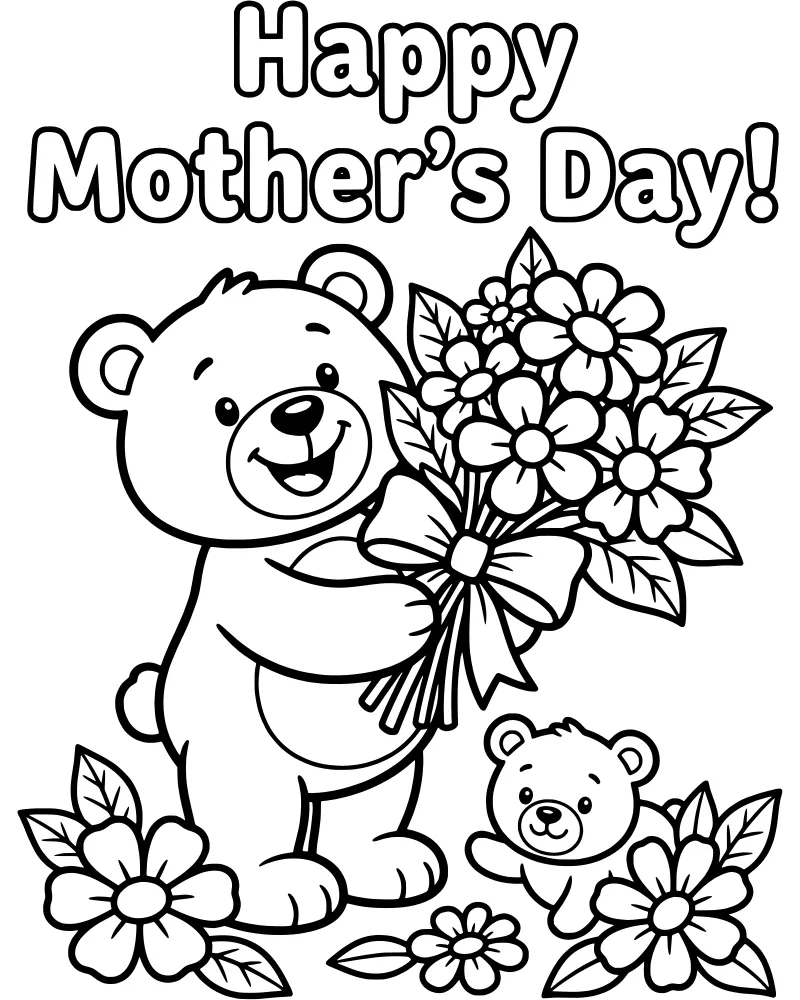
Mother's Day Teddy Bears with Flowers
Holidays & Celebrations
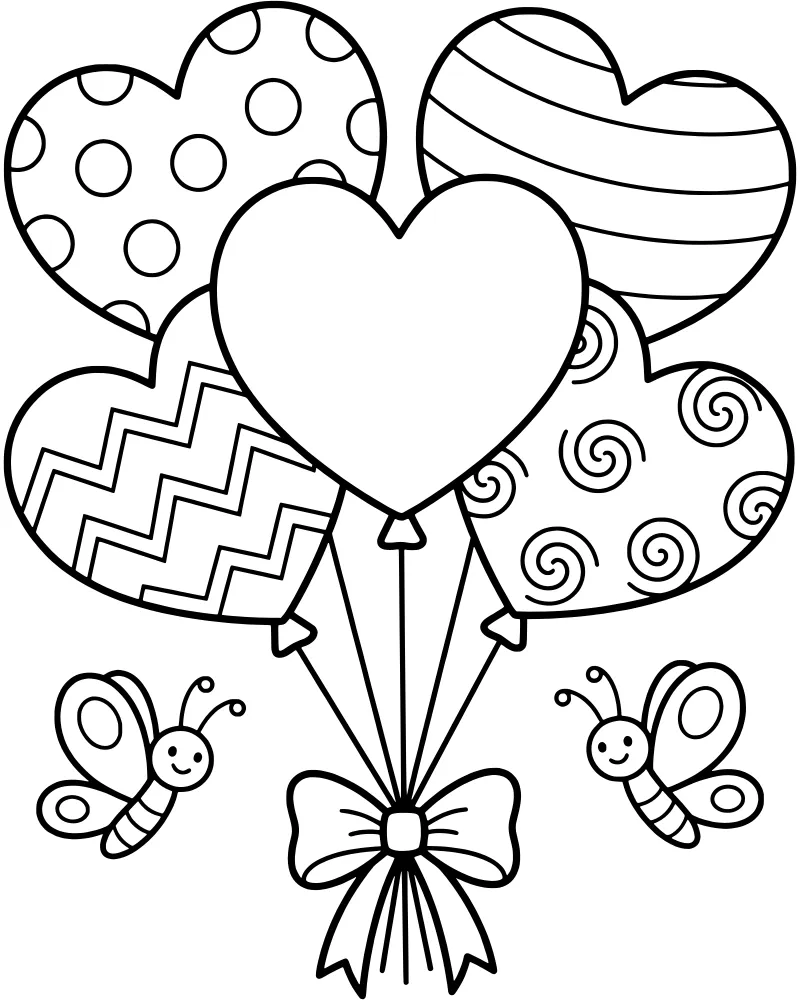
Heart Shaped Patterned Festive Balloons
Holidays & Celebrations
Mother and Baby Hedgehog Hugging
Holidays & Celebrations