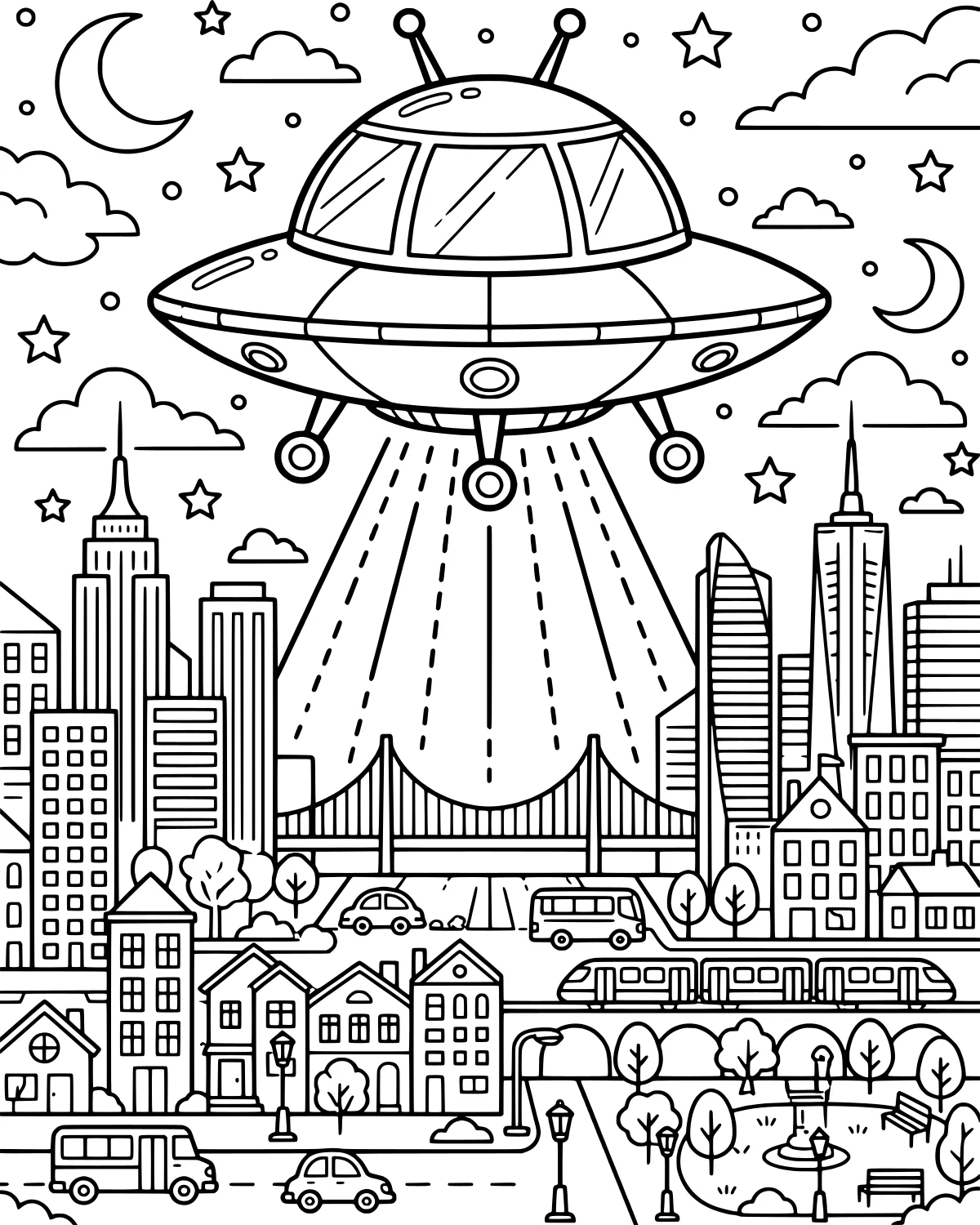
Imagine a quiet night in the city suddenly transformed by a mysterious visitor from another world. This flying saucer glides silently through the clouds, casting a bright glow over the sleeping streets below. It is a scene filled with wonder and a touch of mystery as the UFO explores the tall skyscrapers and busy bridge. Whether the aliens are just passing through or stopping for a visit, you can choose the colors as you bring this adventurous nighttime world to life.
Color Palette Ideas
What's In This Picture
In this detailed scene, a large flying saucer or UFO serves as the centerpiece, hovering high above a bustling metropolitan area. You will find a dense city skyline featuring several skyscrapers and tall buildings that reach toward the moon, stars, and drifting clouds. Below the city lights, a long bridge spans across the page, carrying cars, a bus, and even a train on its tracks. Near the bottom, the urban landscape transitions into suburban houses and a peaceful park filled with trees and glowing streetlights. Bright light beams shine down from the spacecraft, illuminating everything on the ground.
Coloring Tips
To create a mysterious atmosphere, try using deep blues and purples for the night sky, making the stars and moon pop with bright yellows. The flying saucer looks fantastic in metallic silver or bold neon colors like lime green to make it stand out from the city. For the city skyline, you can use a variety of grays for the buildings, but color the tiny windows with warm yellows to show people are still awake. Using a lighter, translucent shade for the light beams helps create a glowing effect that makes the craft look like it is really hovering. You might even use different shades of green for the trees in the park to contrast with the concrete bridge and skyscrapers.
Did You Know?
The term UFO stands for Unidentified Flying Object. It was first used by the United States Air Force in 1952 to describe any object in the sky that could not be easily explained. While many people think of aliens, most UFO sightings turn out to be weather balloons, planes, or even bright planets like Venus.
Try This!
After you finish coloring the city, try drawing little alien faces looking out of the saucer windows. You could also grab a white crayon or gel pen to add extra stars or even some constellations in the dark parts of the sky. If you have some glitter glue, adding a bit to the light beams will make the alien visit look truly magical.
Frequently Asked Questions
What colors should I use for the UFO's light beams?
How can I make the city look like it's nighttime?
Is this page good for markers?
Popular Collections
Animal Coloring Pages
Animals bring a special kind of life to any art project. Whether you love the quiet of a deep forest...
Spring Coloring Pages
As the frost melts away and the first green shoots poke through the soil, we welcome the vibrant ene...

Cute Coloring Pages
Finding something charming and sweet to color is one of the quickest ways to brighten a rainy aftern...

Kawaii Coloring Pages
Kawaii is more than just a word for cute; it is a whole aesthetic that celebrates the joy in the sma...
You Might Also Like
Playful Astronauts and Aliens in Space
Space & Sci-Fi
Love You To The Moon And Back Astronauts
Space & Sci-Fi
Kids Riding Futuristic Flying Car
Space & Sci-Fi
Astronaut and Space Dog Adventure
Space & Sci-Fi
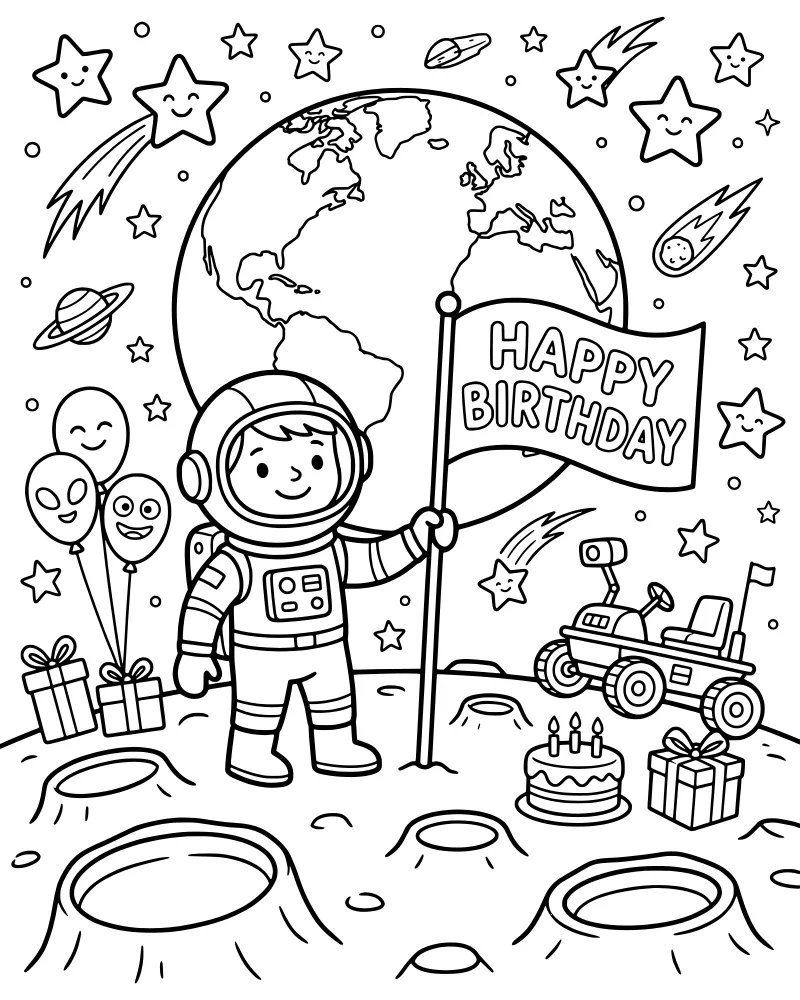
Astronaut Birthday Party on the Moon
Space & Sci-Fi
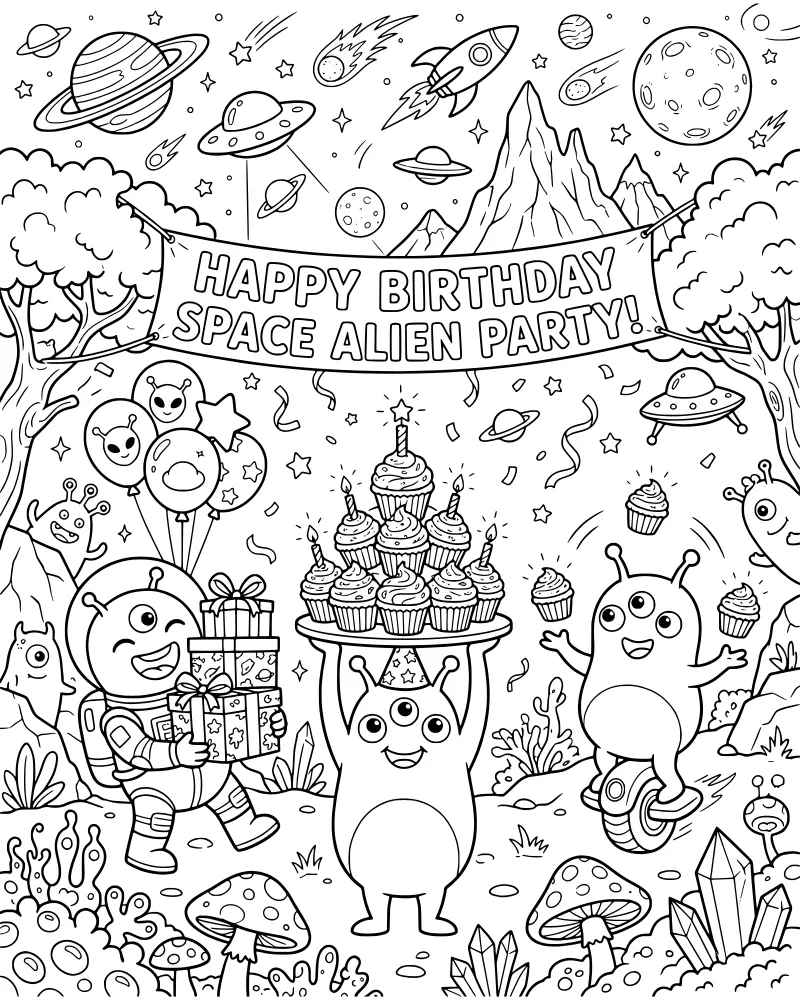
Whimsical Alien Outer Space Birthday Party
Space & Sci-Fi
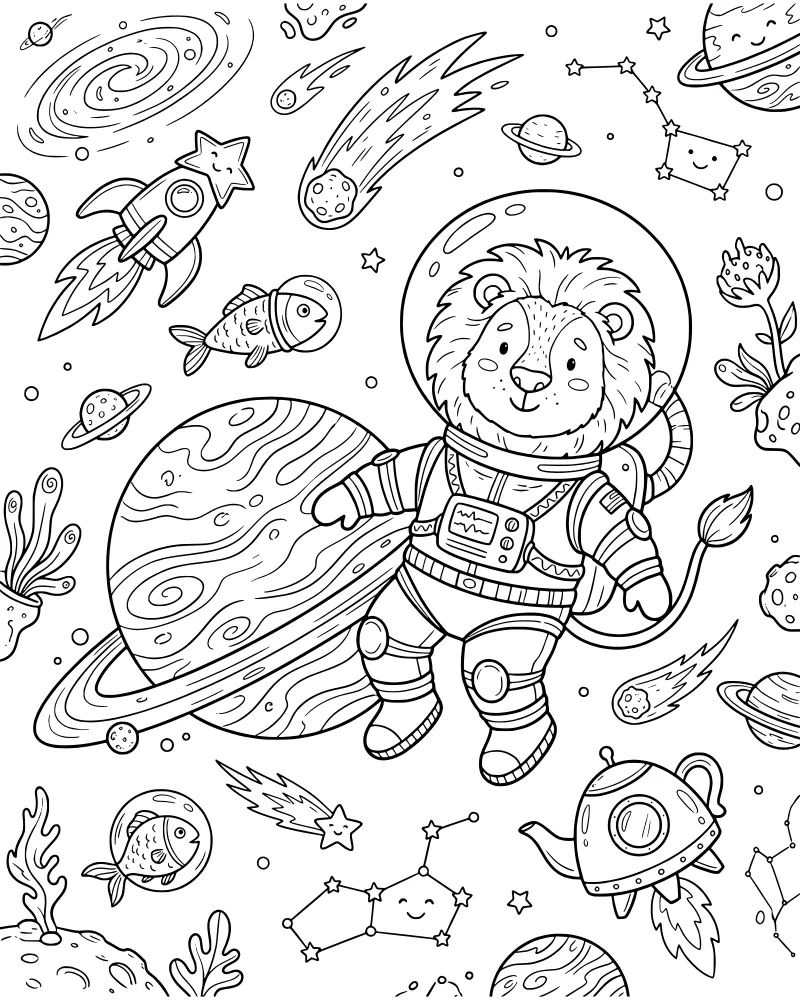
Lion Astronaut Exploring Outer Space
Space & Sci-Fi
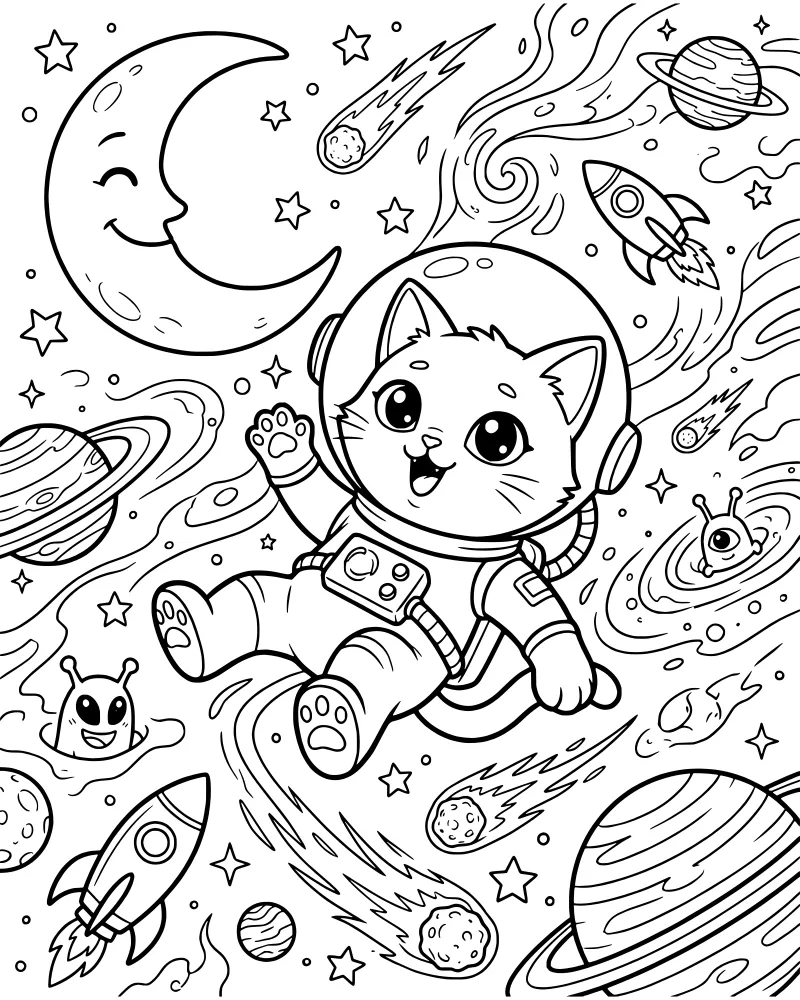
Cat Astronaut Floating in Outer Space
Space & Sci-Fi