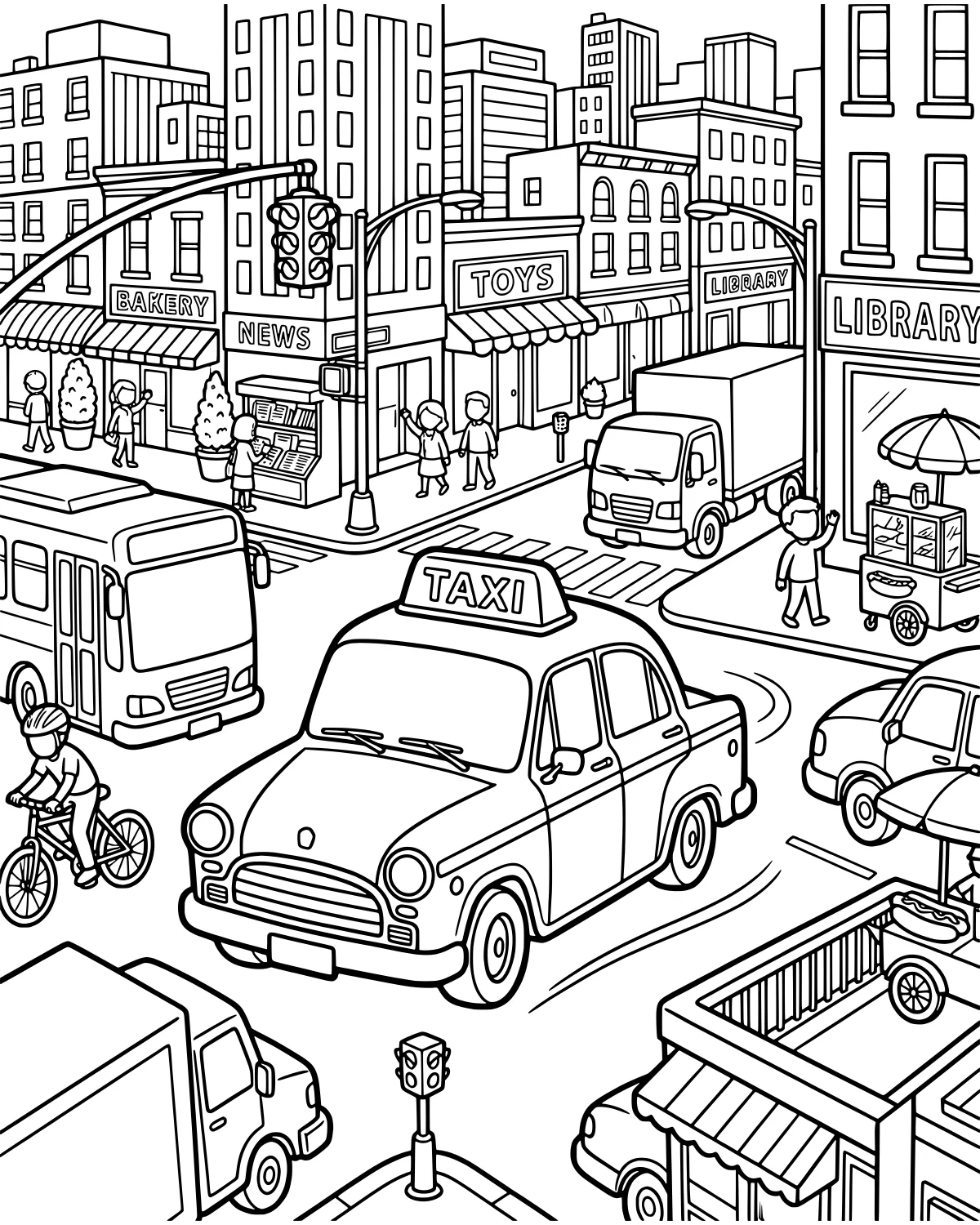
A bustling city street comes to life in this vibrant scene filled with activity. You can almost hear the hum of engines and the chatter of people on the sidewalk. This illustration captures the energy of a downtown area where vehicles and pedestrians share the space.
It is an excellent choice for anyone who loves the excitement of a big city. From the yellow taxi weaving through traffic to the friendly shop windows, there is so much to see and color. Each part of the image tells a small story about life in a busy neighborhood.
Color Palette Ideas
What's In This Picture
The center of the action features a large bus and a classic taxi navigating the road alongside a delivery truck and a small car. A bicycle rider pedals through the intersection near the painted crosswalk. On the sidewalk, a hot dog stand waits for hungry customers while pedestrians stroll past a bakery storefront, a toy store storefront, and a library storefront.
You can also find a newsstand tucked near the corner. Look closely to spot the traffic lights, street signs, and the many windows and colorful awnings that decorate the tall city buildings lining the street. Every element adds to the lively atmosphere of this urban landscape.
Coloring Tips
For the vehicles, try using bright, bold primary colors to help them stand out against the grey asphalt of the road. A classic yellow for the taxi and a deep red or blue for the bus works well. You can use softer pastel tones for the storefronts like the bakery and toy store to create a friendly neighborhood feel.
To add depth, use different shades of grey for the sidewalk and street. Small details like the traffic light or the striped awnings are great opportunities to use contrasting colors like green and red or orange and white. If you want to make the buildings look more realistic, try using light blues or greys for the glass windows to reflect the sky.
Did You Know?
Did you know that the first electric traffic light was installed in 1914? Before that, police officers had to stand in the middle of the street to direct cars and horses using hand signals. It helped make busy city intersections much safer for everyone. Today, traffic lights are used all over the world to keep cars and people moving smoothly.
Try This!
After coloring, try to find all the different modes of transportation hidden in the scene. You can count how many wheels are visible across all the vehicles on the page. Another fun idea is to name each of the shops and imagine what kinds of items are being sold inside the toy store or the bakery. You could even draw yourself as one of the pedestrians.
Frequently Asked Questions
What colors should I use for the city buildings?
Is this page good for markers or crayons?
How can I make the street look realistic?
Popular Collections
Animal Coloring Pages
Animals bring a special kind of life to any art project. Whether you love the quiet of a deep forest...
Spring Coloring Pages
As the frost melts away and the first green shoots poke through the soil, we welcome the vibrant ene...
Cute Coloring Pages
Finding something charming and sweet to color is one of the quickest ways to brighten a rainy aftern...

Kawaii Coloring Pages
Kawaii is more than just a word for cute; it is a whole aesthetic that celebrates the joy in the sma...
You Might Also Like
Off-Road Jungle Adventure Truck
Vehicles & Transportation
Rally Car Racing Through Snowy Mountains
Vehicles & Transportation
Vintage Car in Countryside Village
Vehicles & Transportation
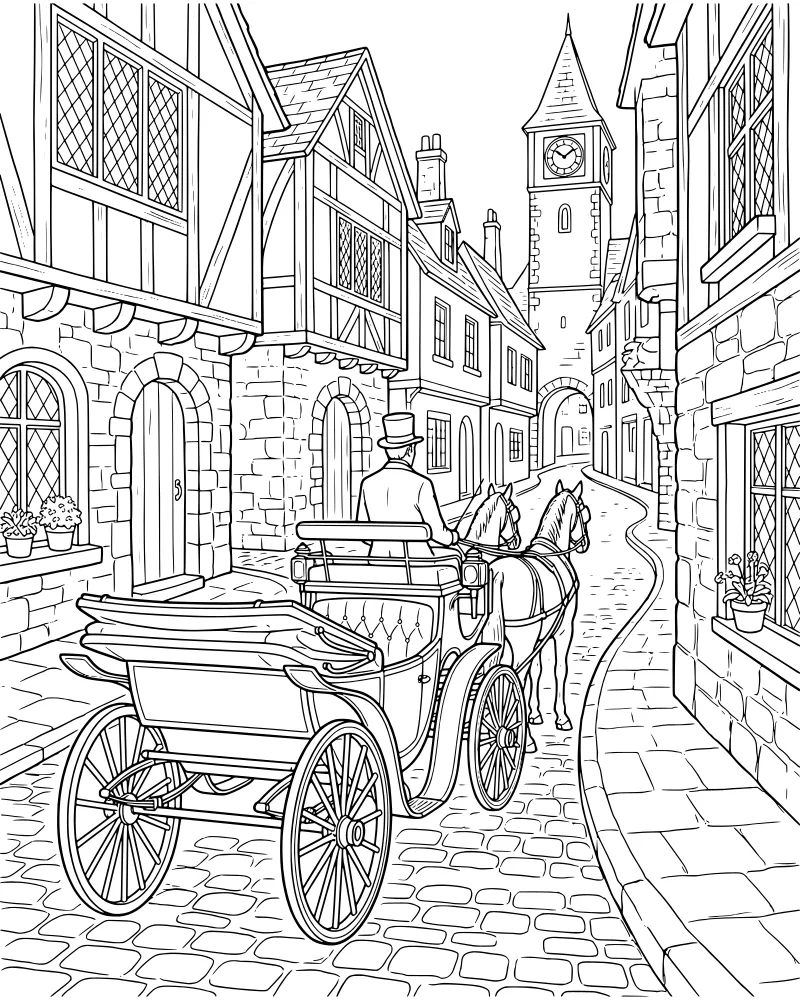
Historic Horse Drawn Carriage in Town
Vehicles & Transportation
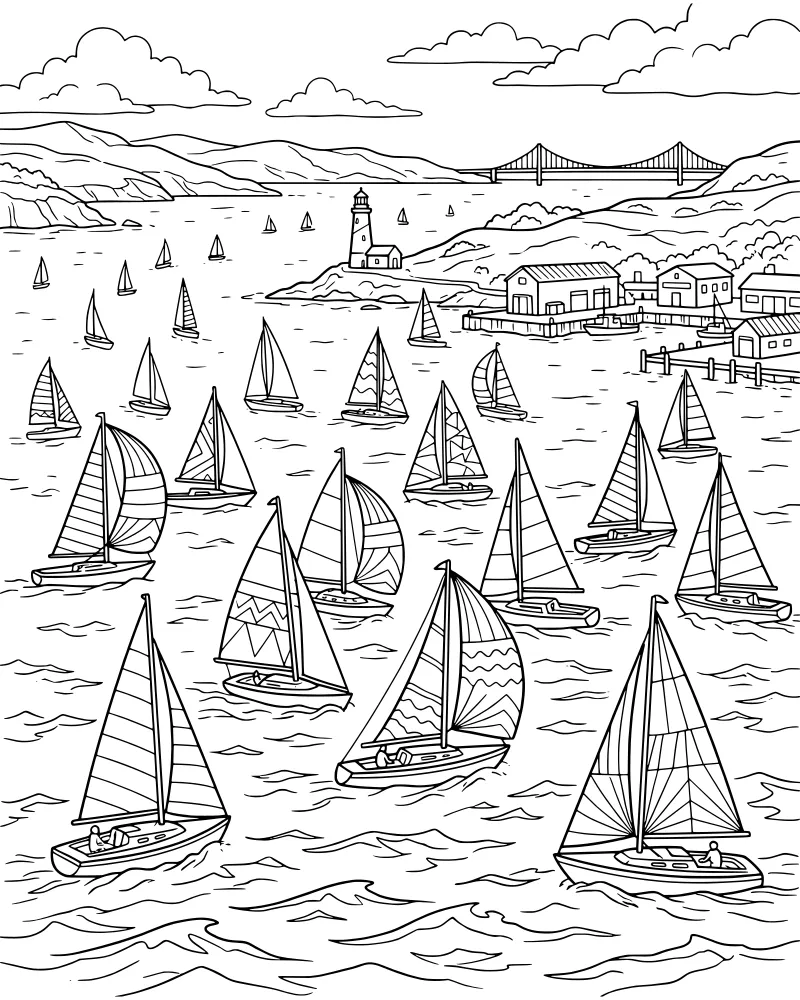
Busy Harbor with Sailboats and Bridge
Vehicles & Transportation
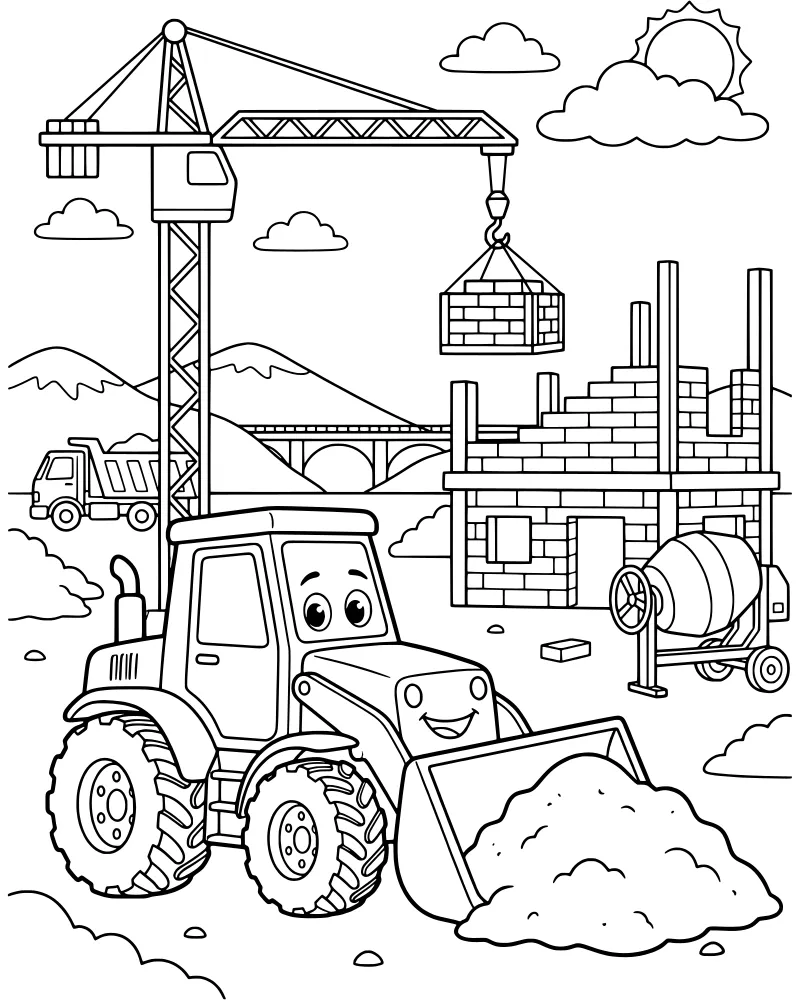
Busy Construction Site with Big Trucks
Vehicles & Transportation
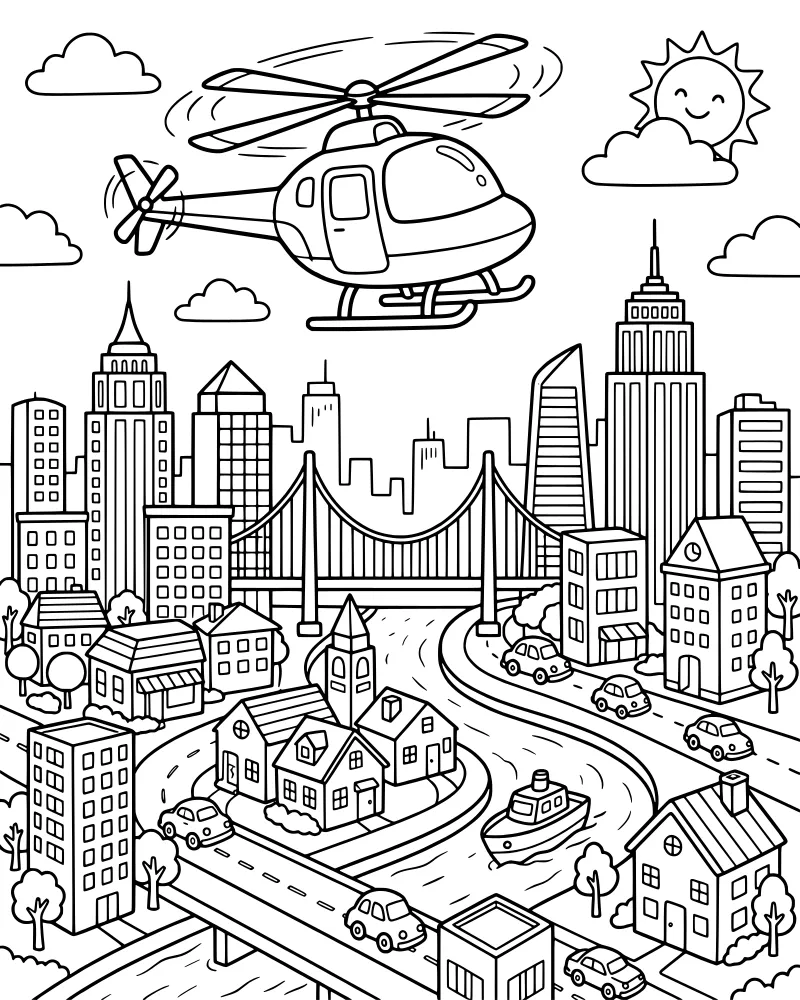
Busy City with Flying Helicopter
Vehicles & Transportation
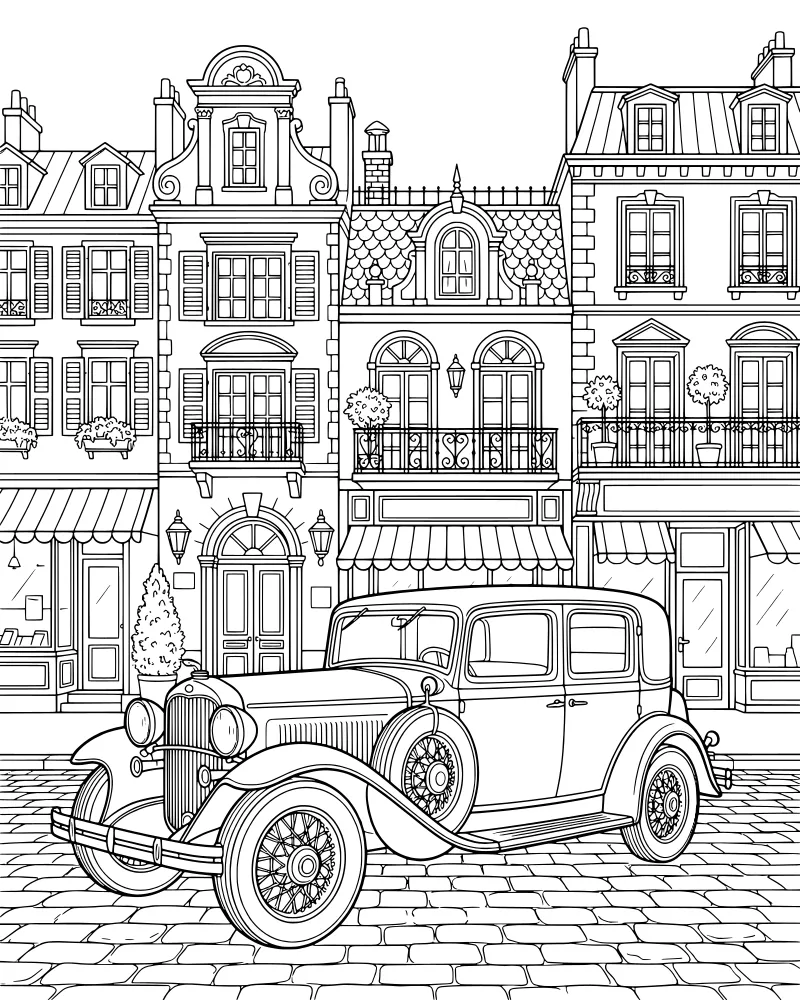
Vintage Car on European Cobblestone Street
Vehicles & Transportation